50+ Countries • Updated for 2026

Editable Passport PSD Templates

Fully editable Passport PSD templates for designers, filmmakers, and developers. High-resolution Photoshop files with organized layers, exact fonts, and accurate MRZ formatting for realistic props and concept presentations.

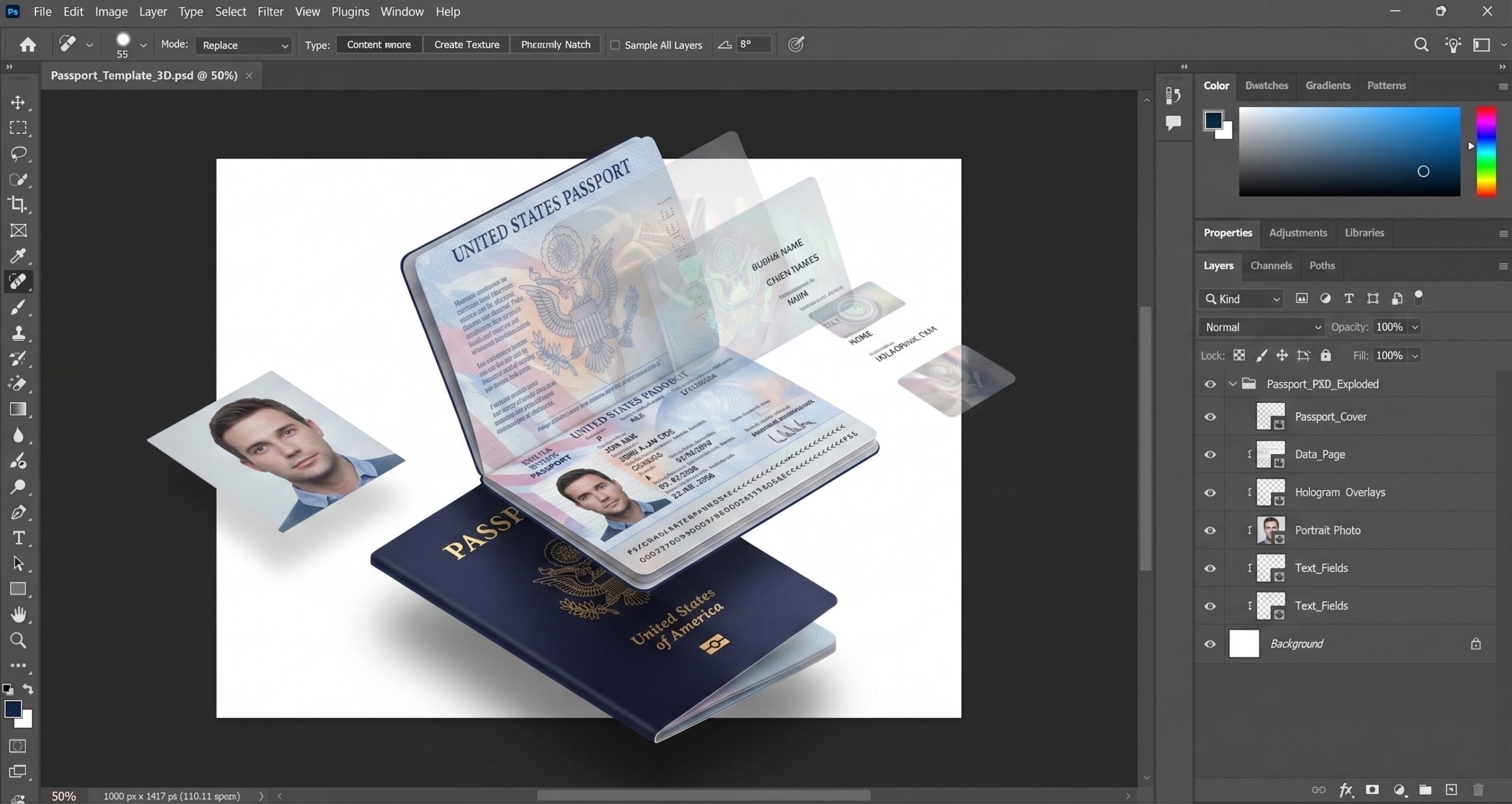
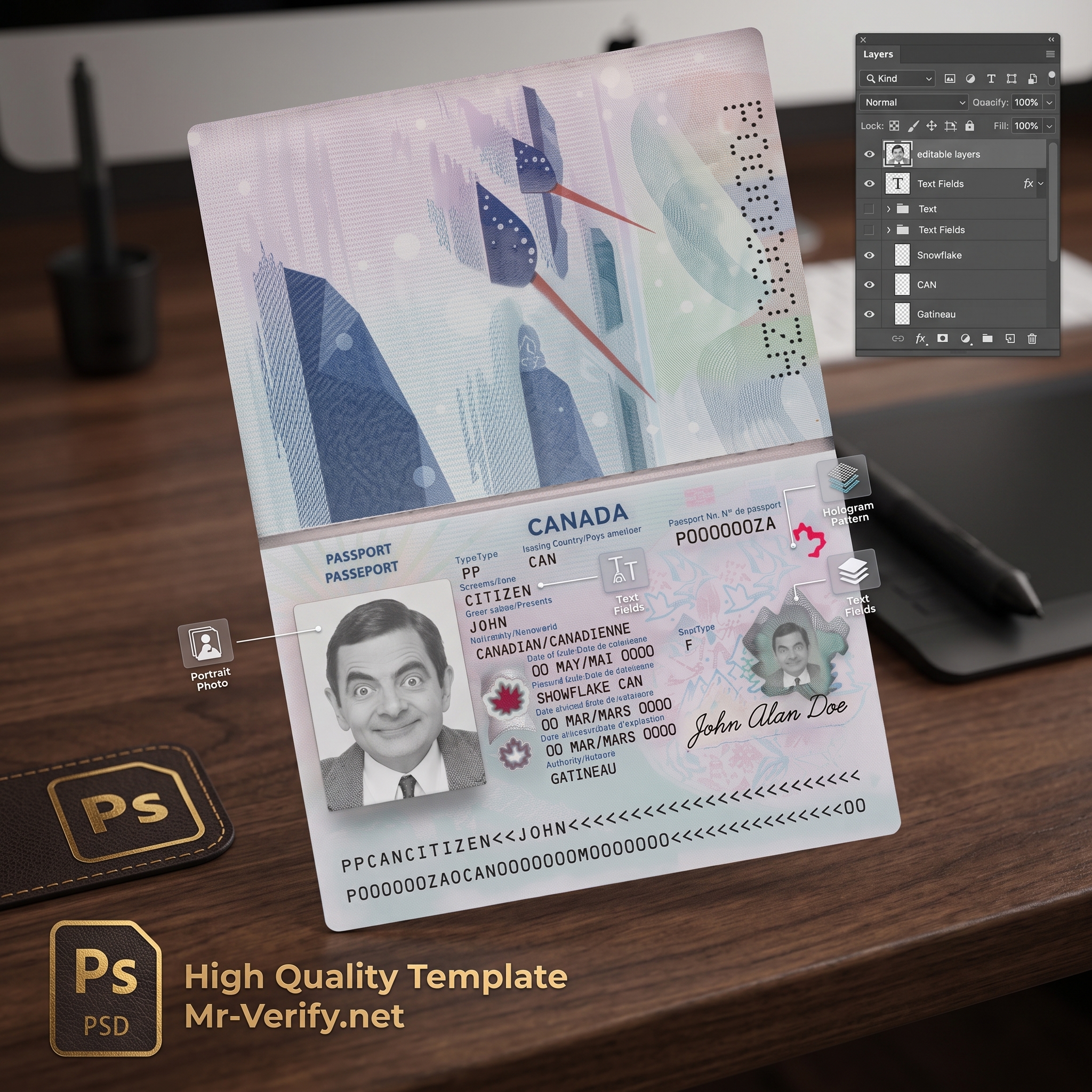
3D Passport PSD Layers View
Top Quality Mockups

Why Our Templates Work Better

Finding a high-quality, fully editable passport template can be hard. Many files online look fake, miss the right fonts, or are hard to edit. We fix all these problems so you get a realistic result fast.

Real-Life Look & Backgrounds

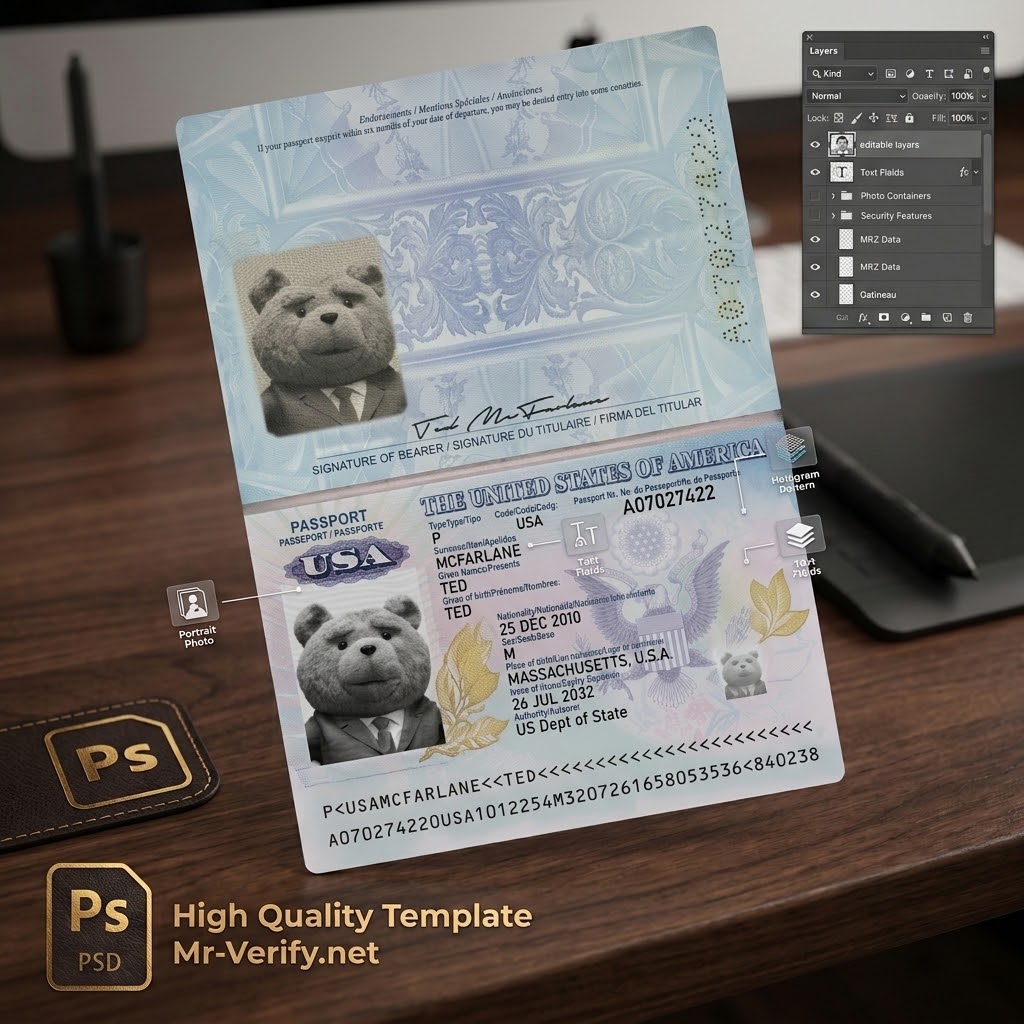
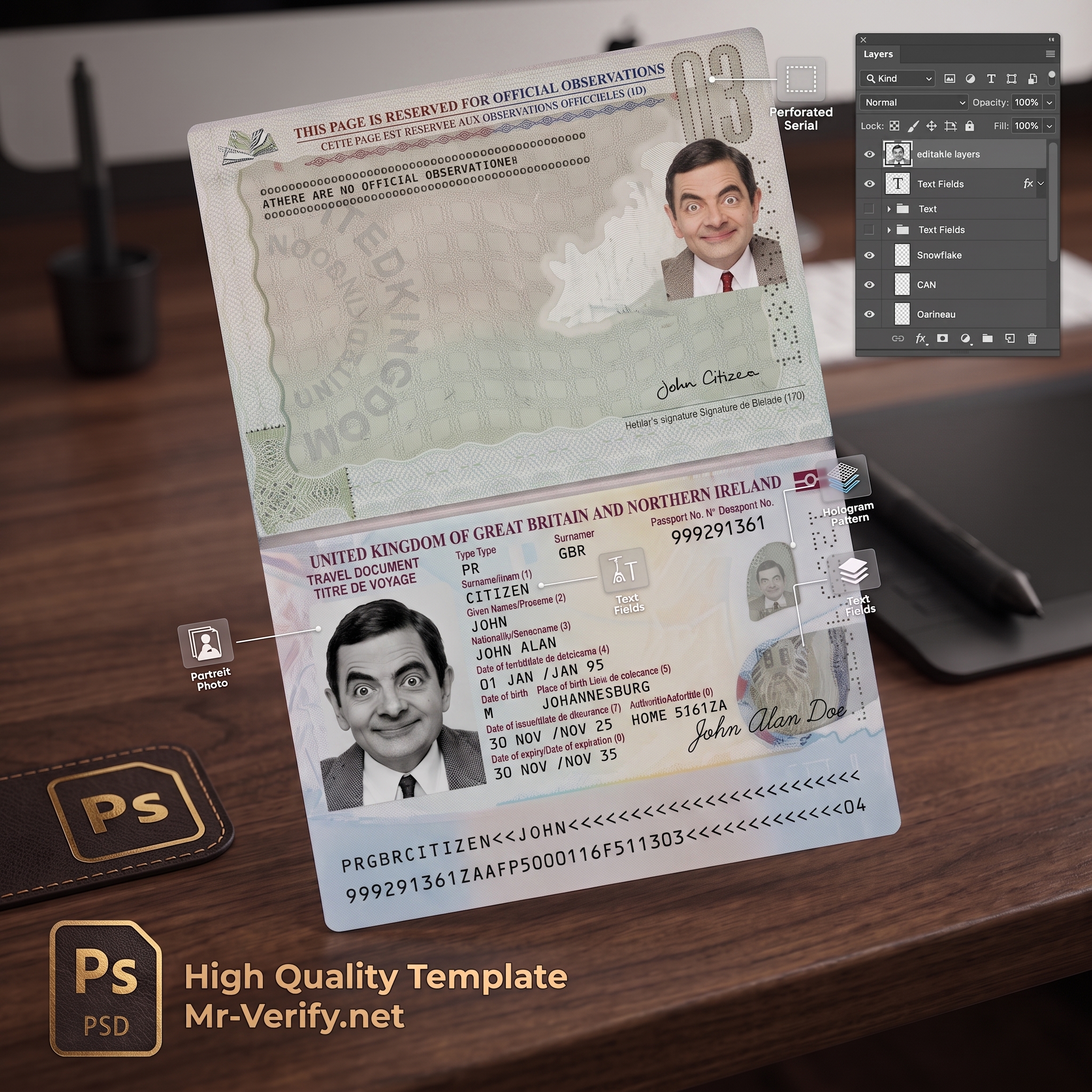
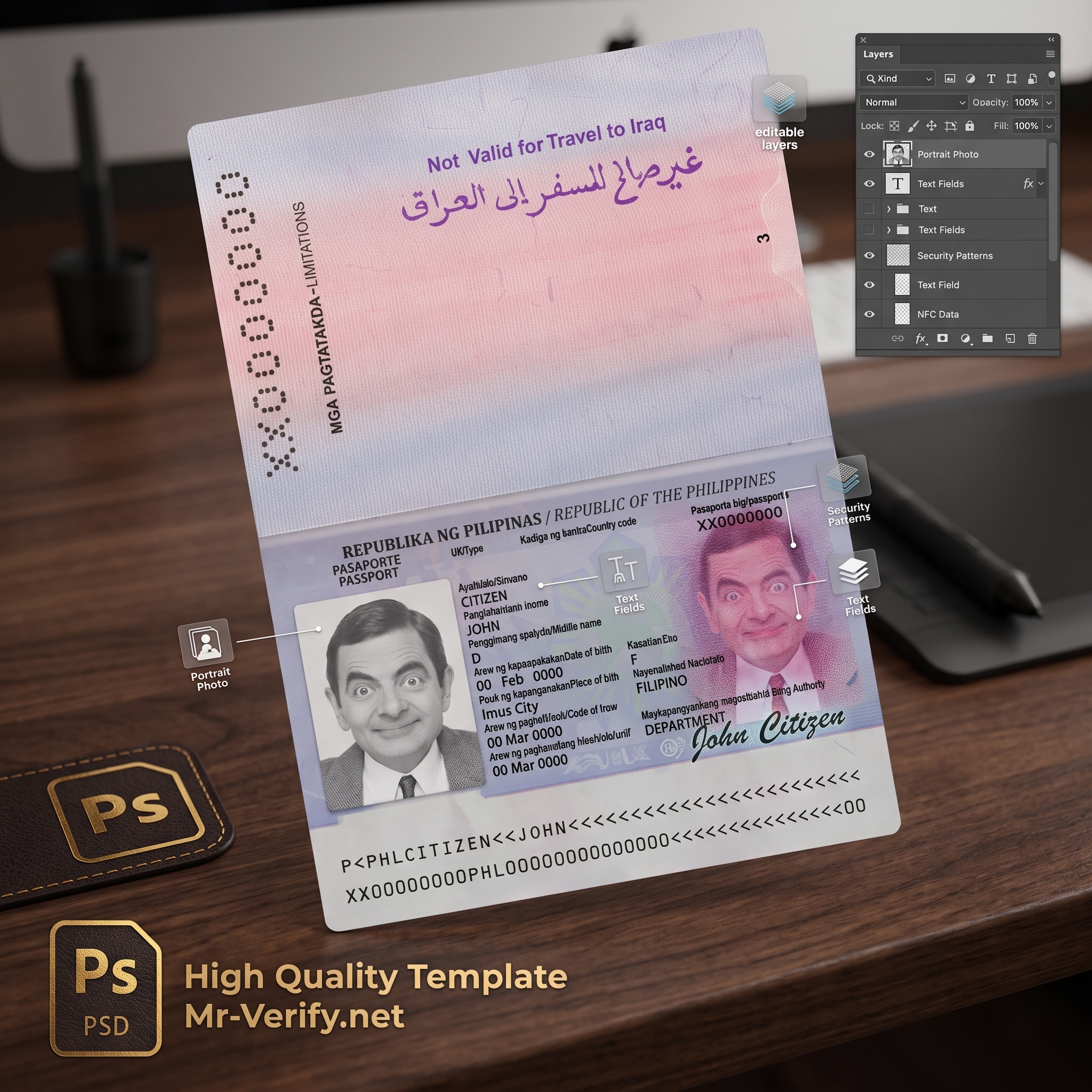
  • Photolook Style: Our files don't look like flat computer scans. They look like real photos taken on a desk or held in a hand.
  • Blank Passport Template: Need a custom background? Every file comes with a transparent option so you can put the document anywhere you want.

Correct Fonts & MRZ Tool

  • All Original Fonts: A wrong font makes the document look fake. We include all the exact fonts you need for editing.
  • Free MRZ Generator: Don't guess the codes. Use our tool to create the correct MRZ code for the bottom of your passport template in seconds.

Easy Photo Setup

  • 1-Click Photo Change: Use Photoshop Smart Objects to replace the dummy photo with your own in just one click.
  • AI Selfie Converter: Upload a normal selfie to our site. Our AI tool turns it into a perfect, well-lit document photo ready to use.

Done-For-You Design Service

  • No Photoshop? No Problem: If you don't want to download editable passport template files and edit them yourself, let us help.
  • 24-Hour Delivery: Send us your details and photo. Our team will edit the template and send you the final image in less than 24 hours.
100% Free Browser Editing

Try It Yourself

Want to check the quality before buying? Download our free editable passport template and practice using Photopea right in your browser.

1

Open File

Drag the downloaded PSD directly into Photopea.com.

2

Edit Text

Use the Type Tool to update details and add your MRZ code.

3

Replace Photo

Double-click the Smart Object, drop your photo, and save.

Download Free Practice PSD

Frequently Asked Questions

Do these templates come with the original fonts?

Yes. Every editable passport template includes a dedicated folder containing the exact system fonts used in the original document. This includes the specific OCR-B font required for the MRZ (Machine Readable Zone) section, ensuring your final image looks 100% authentic.

Can I remove the background from the template?

Absolutely. Our mockups are designed as a blank passport template with completely isolated layers. You can easily turn off the default background layer and place the passport on any custom surface, wood texture, or transparent background without any rough edges.

Do I need a paid Photoshop subscription to edit the PSD?

No, you do not need to buy expensive software. While the files are natively formatted for Adobe Photoshop, they are fully compatible with free browser-based editors like Photopea. All Smart Objects, folders, and text layers will work perfectly in your browser.

How do I create the correct MRZ code for the bottom section?

We provide a free MRZ generator tool on our website for all users. You do not need to calculate the code manually. Just enter your details (such as name, birth date, and document number) into the generator, and it will create the exact machine-readable string for you to paste directly into your template.

What if I make a mistake or don't know how to edit?

If you prefer not to handle the editing yourself, we offer a Done-For-You Design Service. Simply select this option during checkout, send us your portrait photo and the required text details, and our prepress team will deliver the finalized, ready-to-use image within 24 hours.